
HALauncher - Android TV2.0.3.0 - Google Play
You'll be able to see results in few seconds.
Publisher Description
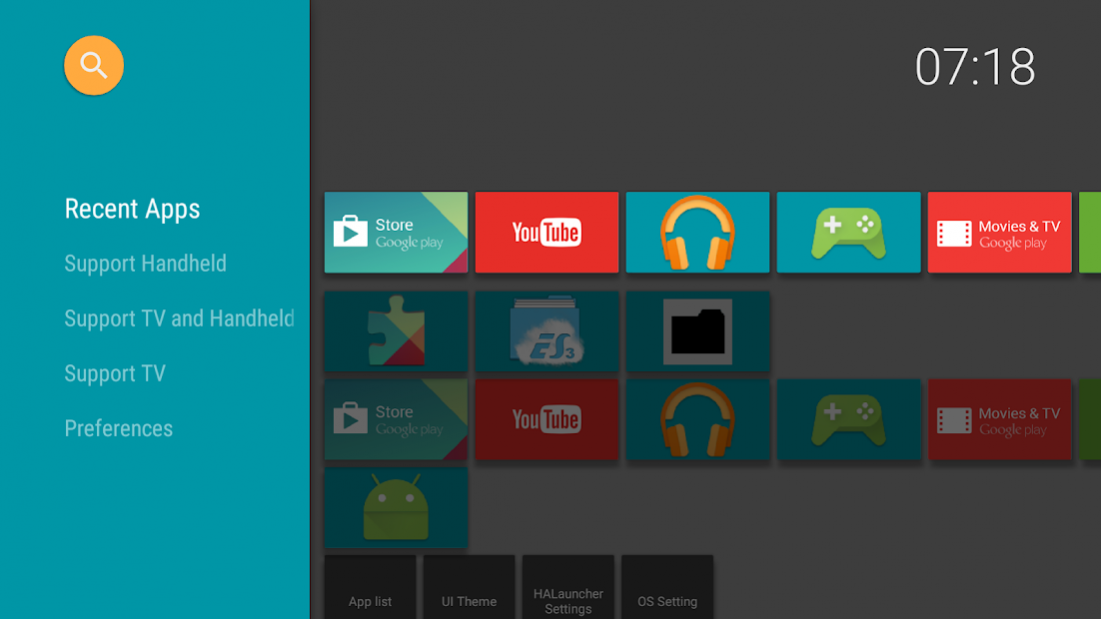
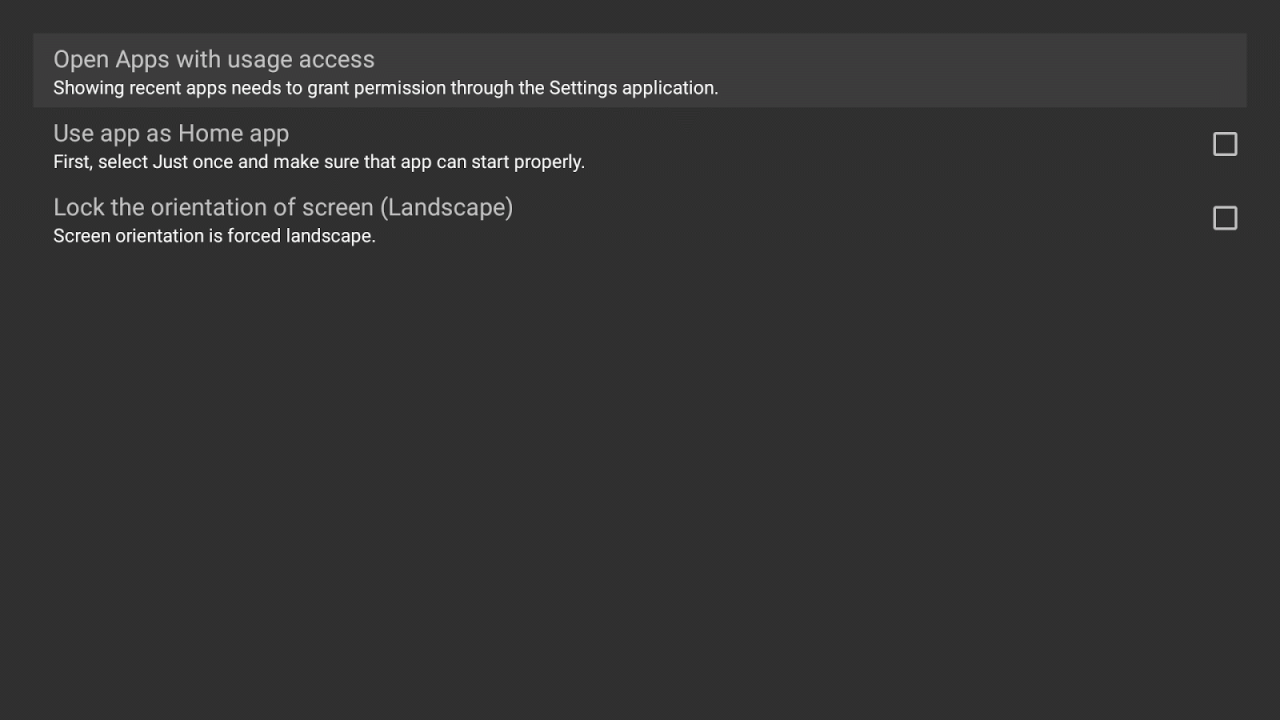
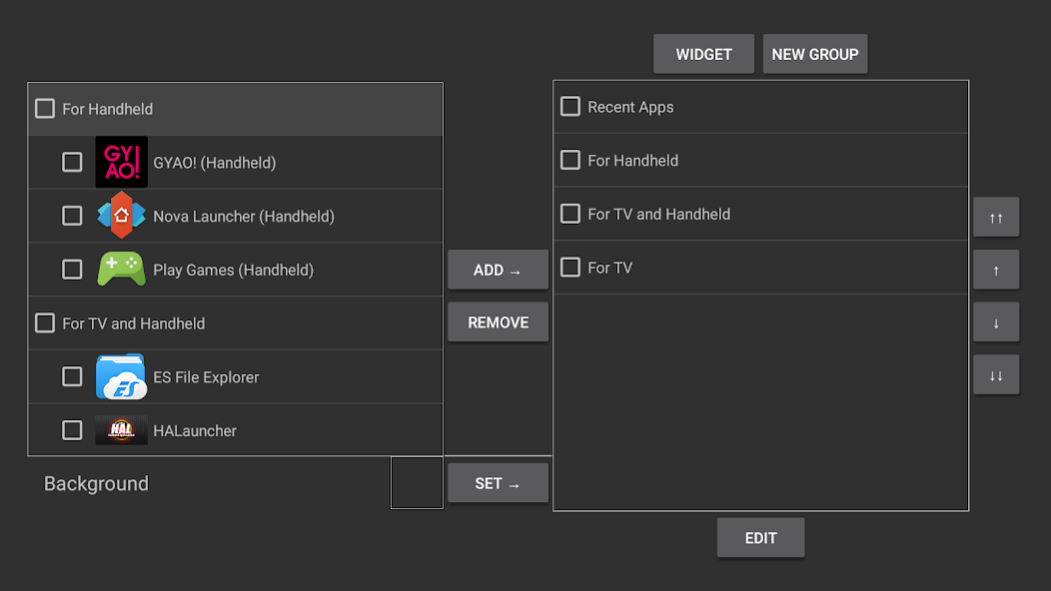
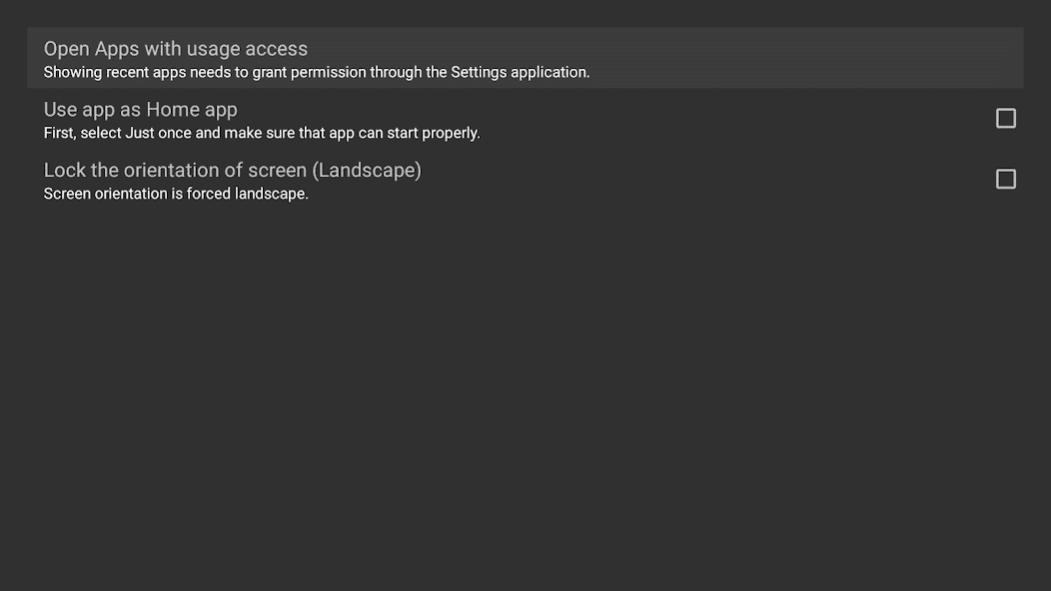
* Attention * Android TV of "All version" can not use this app as home app! When google's apps are updated, they change system settings automatically and stop to use other than default home app. Even it's older than Android 6.0...
https://code.google.com/p/android/issues/detail?id=191828
[Update 2017/04/08] Following command was banned by Google's security update.
$ adb shell pm hide com.google.android.leanbacklauncher
So, if you was using HALauncher as home app by this, maybe OS would be unstable. Sorry.
* Attention * Android TV 7.1.1- has some problems. "Landscape lock" and "Blue Light Filter" are not working fine...
https://code.google.com/p/android/issues/detail?id=230100
"HALauncher" is a launcher for displaying and opening non-Android TV applications quickly on the Nexus Player, ADT-1, Nvidia Shield and the Razor Forge, Fire TV.
Usually, Android TV's home launcher doesn't show sideloaded apps. By using the "HALauncher", you can display and run apps designed for smartphones and tablets using a 1-click operation.
This launcher is recommended for all users who sideload apps and all apps will be available in the “Apps List” section.
HALauncher was designed using Android 5.0 material Design so it fits right in with the Android TV. It is highly customizable allowing you to change the color scheme, background graphic, icon graphic, add widgets to the home screen and remove the side panel completely to facilitate a cleaner home screen appearance.
HALauncher lets you create shortcuts to applications, webpages, IPTV channels and videos stored on your harddrive by using the “Create Shortcut” feature.
If you sideload apps on any Android TV device, you need HALauncher!
[About translation]
The messages are managed on the following spreadsheet. If you found the incorrect messages, please fix them. I will apply them at the next update.
https://docs.google.com/spreadsheets/d/17zcyXPRCaso6ebMtPsWHboPsZXNzycDPfPCTMerzuWs/edit?usp=sharing
[v1.5.1-]
Added ads.(*)
* You can disable ads for free. Uncheck "Show ads" in [Settings]->[HALauncher Settings].
About HALauncher - Android TV
The company that develops HALauncher - Android TV is ITO Akihiro. The latest version released by its developer is 2.0.3.0.
To install HALauncher - Android TV on your Android device, just click the green Continue To App button above to start the installation process. The app is listed on our website since 2019-07-16 and was downloaded 0 times. We have already checked if the download link is safe, however for your own protection we recommend that you scan the downloaded app with your antivirus. Your antivirus may detect the HALauncher - Android TV as malware as malware if the download link to net.i.akihiro.halauncher is broken.
How to install HALauncher - Android TV on your Android device:
- Click on the Continue To App button on our website. This will redirect you to Google Play.
- Once the HALauncher - Android TV is shown in the Google Play listing of your Android device, you can start its download and installation. Tap on the Install button located below the search bar and to the right of the app icon.
- A pop-up window with the permissions required by HALauncher - Android TV will be shown. Click on Accept to continue the process.
- HALauncher - Android TV will be downloaded onto your device, displaying a progress. Once the download completes, the installation will start and you'll get a notification after the installation is finished.
Program Details
System requirements
Download information
Pricing
Version History
version 2.0.3.0
posted on 2019-07-16
- Removed the function to download APK of Amazon AppStore.
HALauncher was removed from Google Play by issue report from Google Play about "Missing DPad functionality". But it's difficult to resolve because it's issue of WebView on Android TV. So, I remove the functon of it.
version 2.0.0.1
posted on 2017-12-20
- Support Android TV 8.0. You can add apps as channels on home screen of OS.
- Fixed a bug of shortcut parameter for LIBRETRO nestopia and snesx9x.
- Updated Russian. Thank you for your cooperation.
- (2.0.0.1) Fixed bug on Android 8.0.
version 1.5.3.0
posted on 2016-12-12
- Added the function that changes the text color of Clock.,- Added "neo.emu (free)" to the shortcut template.,Note:,Android TV 7.1.1 has some problems. "Landscape lock" and "Blue Light Filter" are not working fine.
Disclaimer
Official Google Play Link
We do not host HALauncher - Android TV on our servers. We did not scan it for viruses, adware, spyware or other type of malware. This app is hosted by Google and passed their terms and conditions to be listed there. We recommend caution when installing it.
The Google Play link for HALauncher - Android TV is provided to you by apps112.com without any warranties, representations or guarantees of any kind, so access it at your own risk.
If you have questions regarding this particular app contact the publisher directly. For questions about the functionalities of apps112.com contact us.
